iNES - NES Emulator5.2
Publisher Description
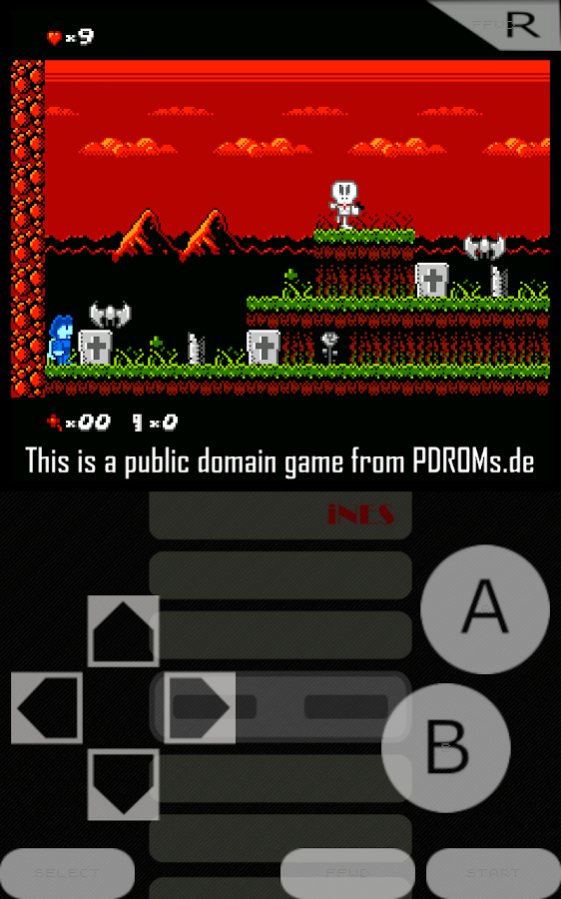
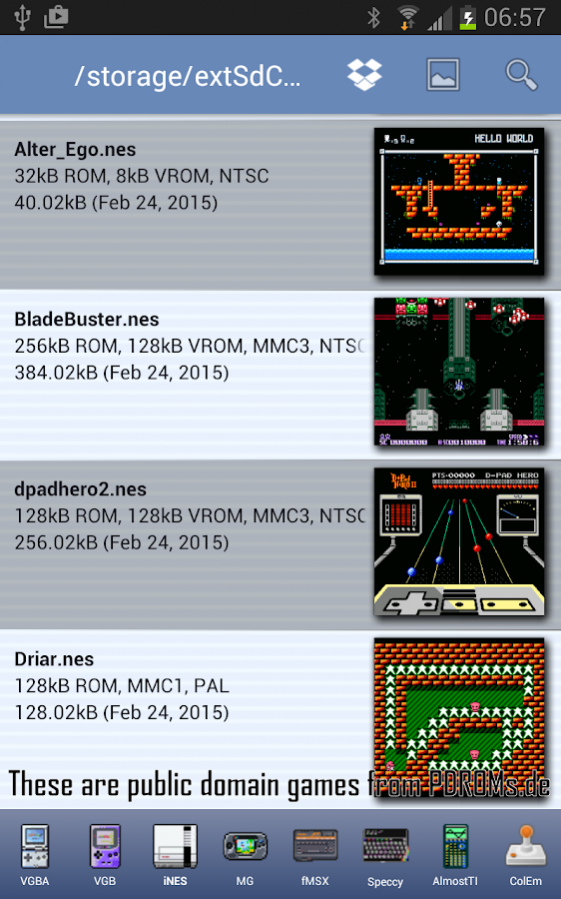
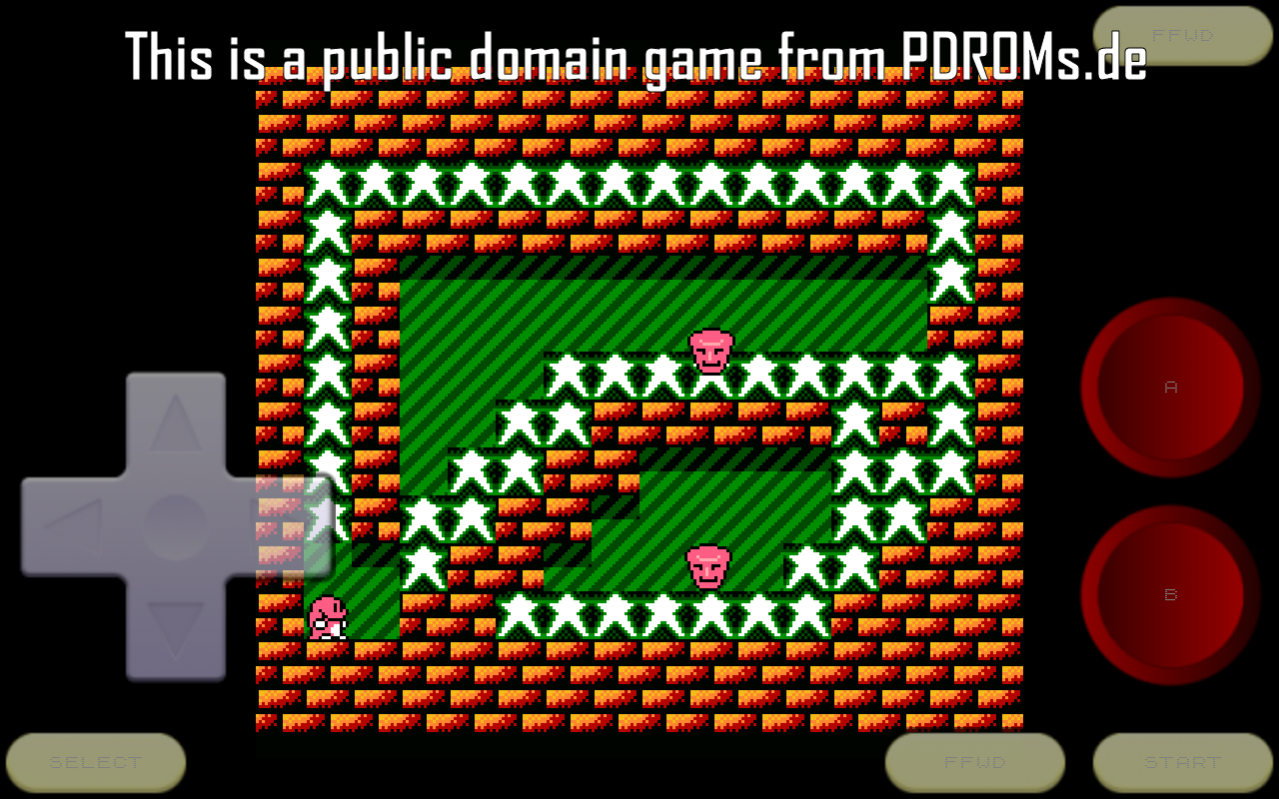
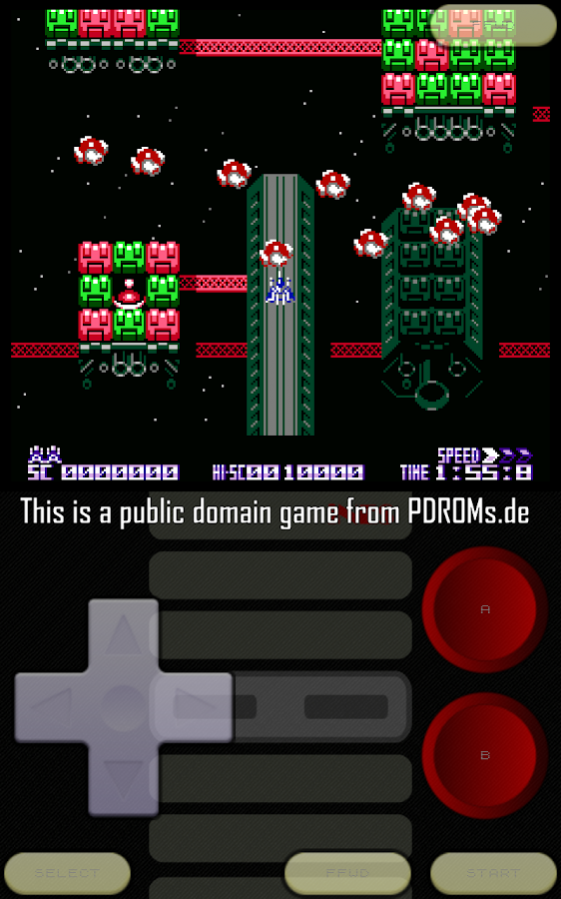
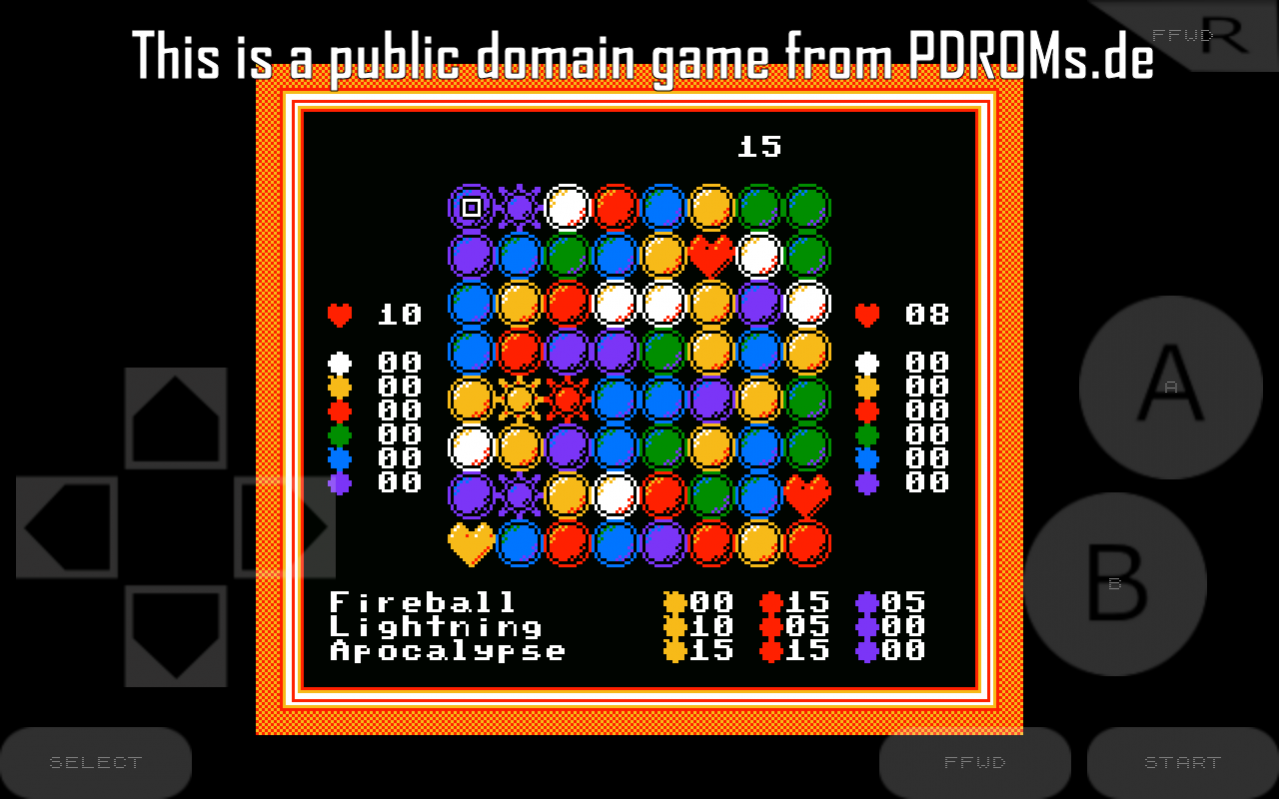
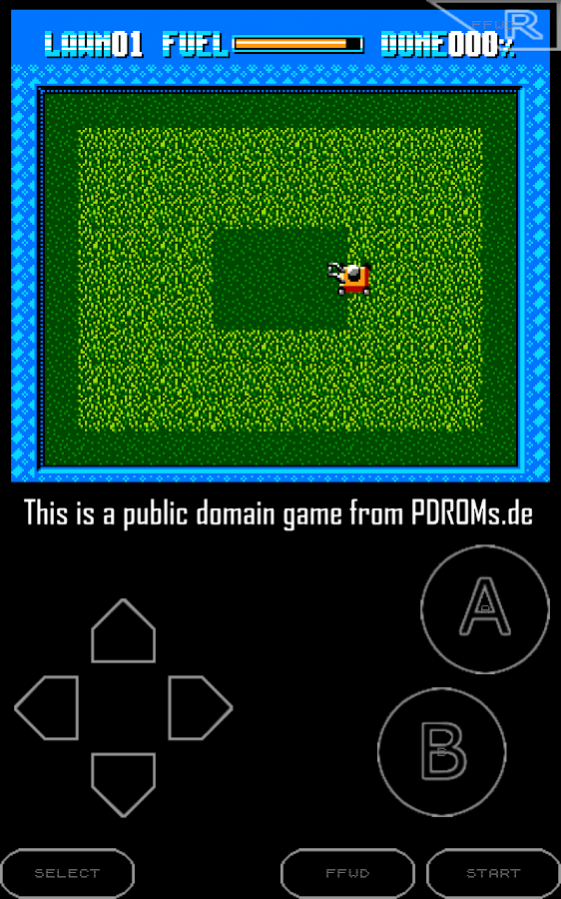
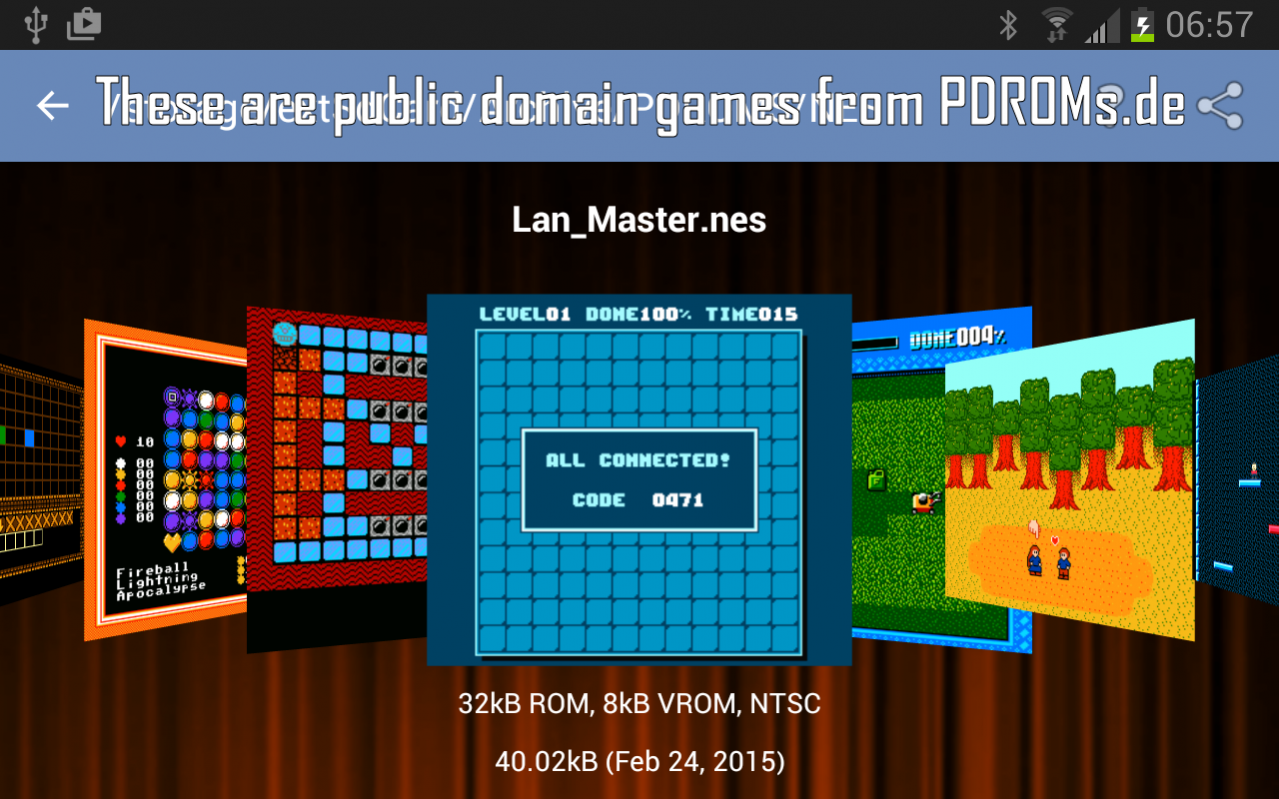
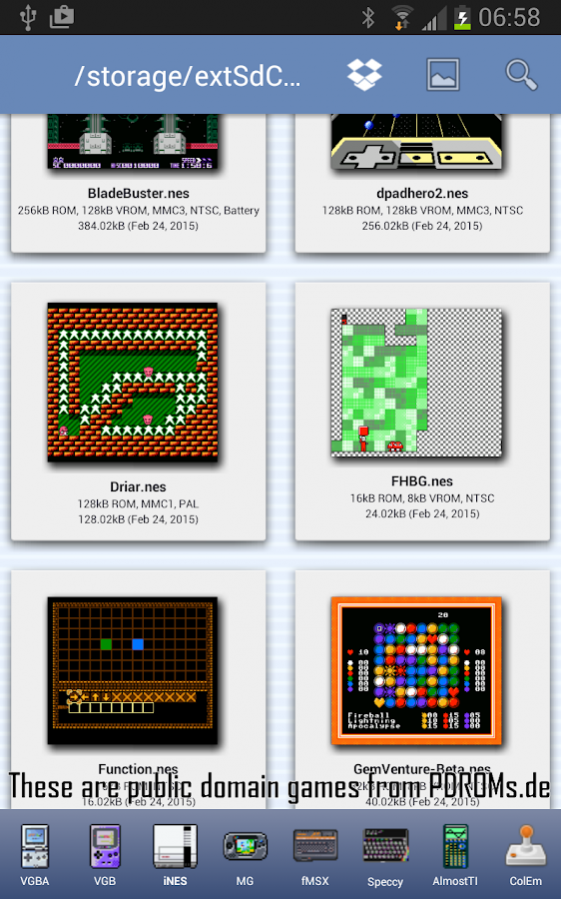
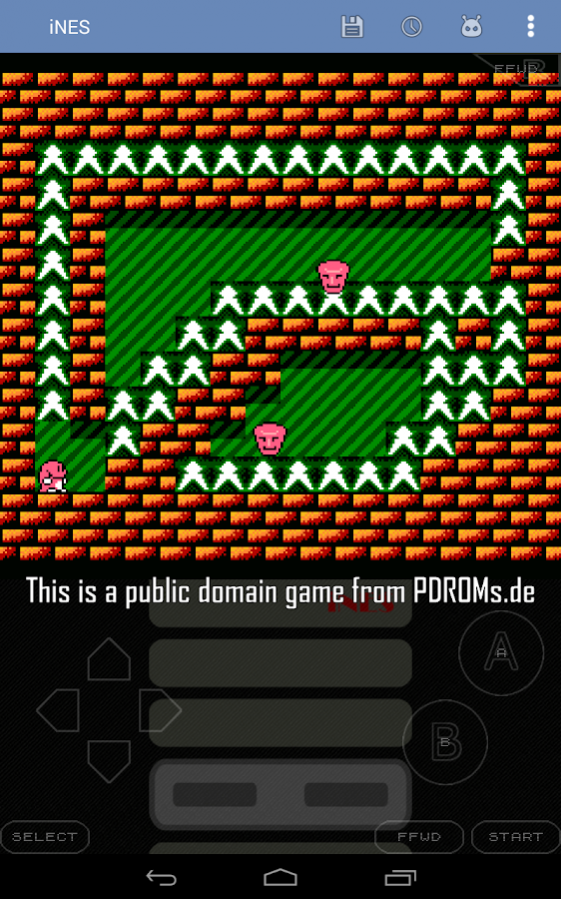
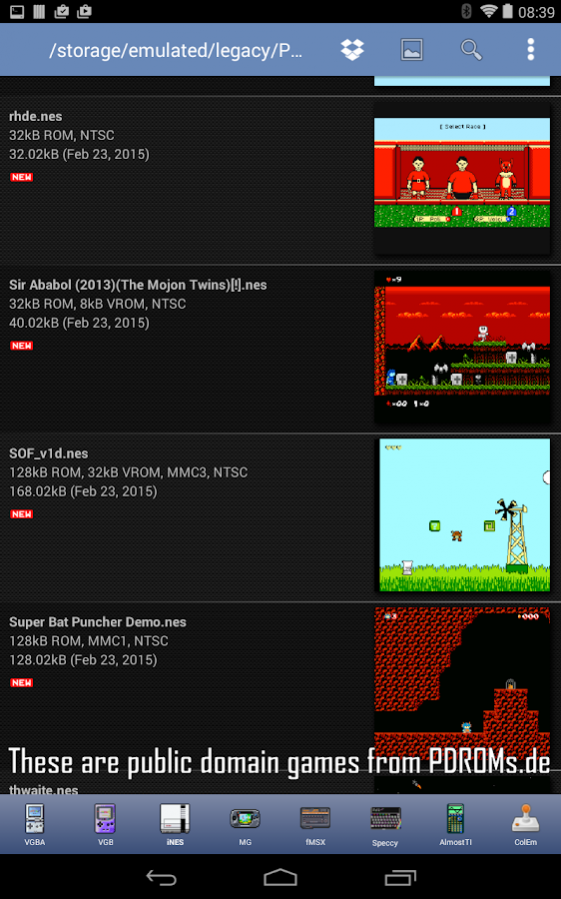
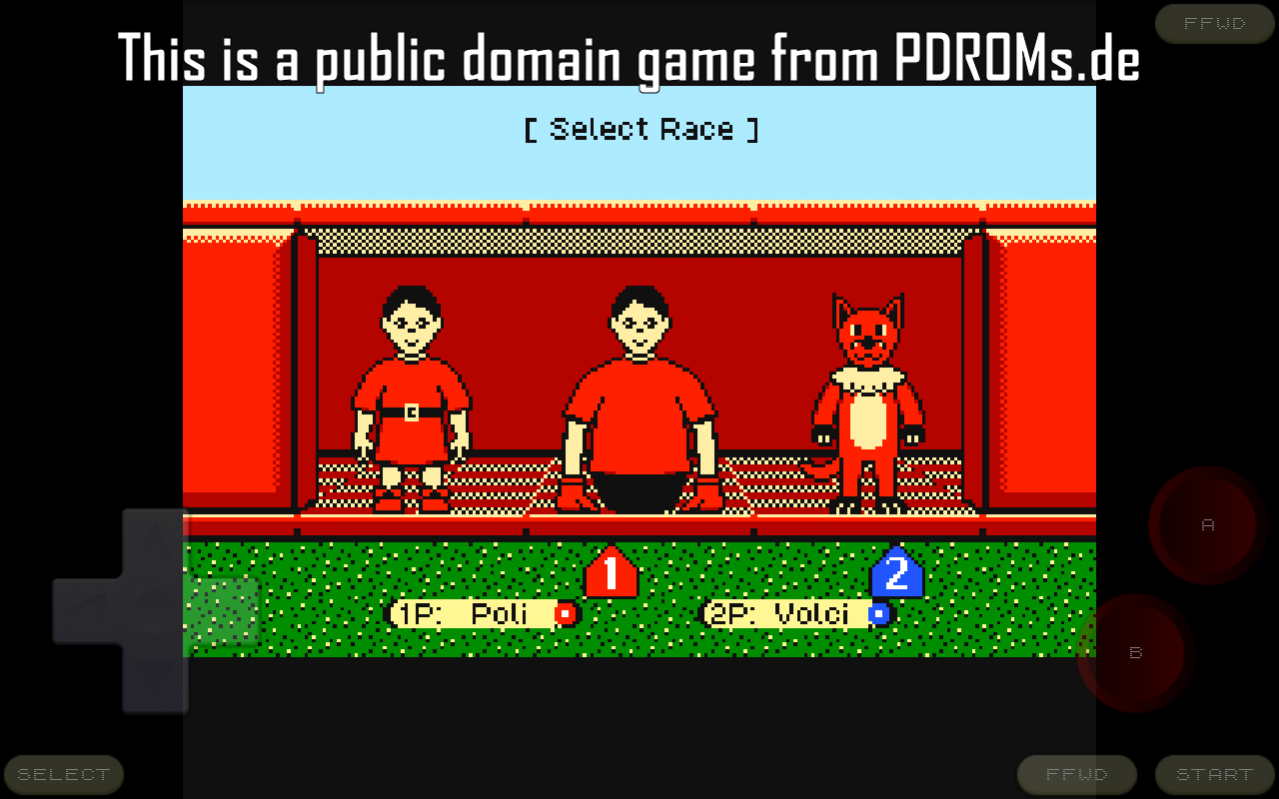

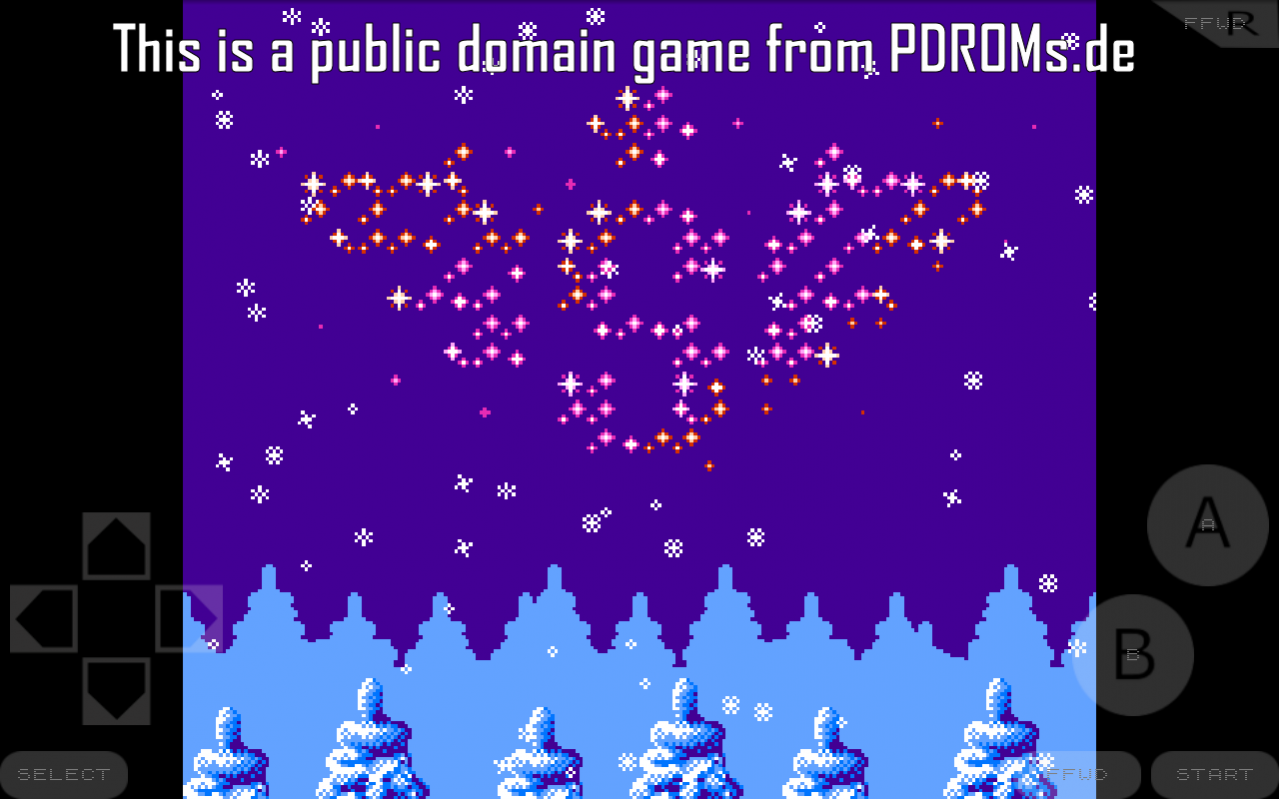
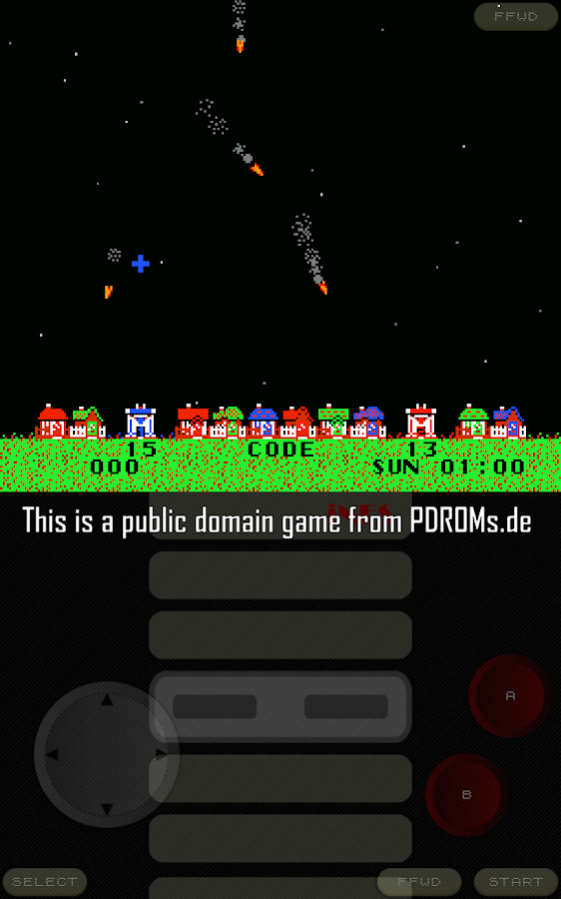
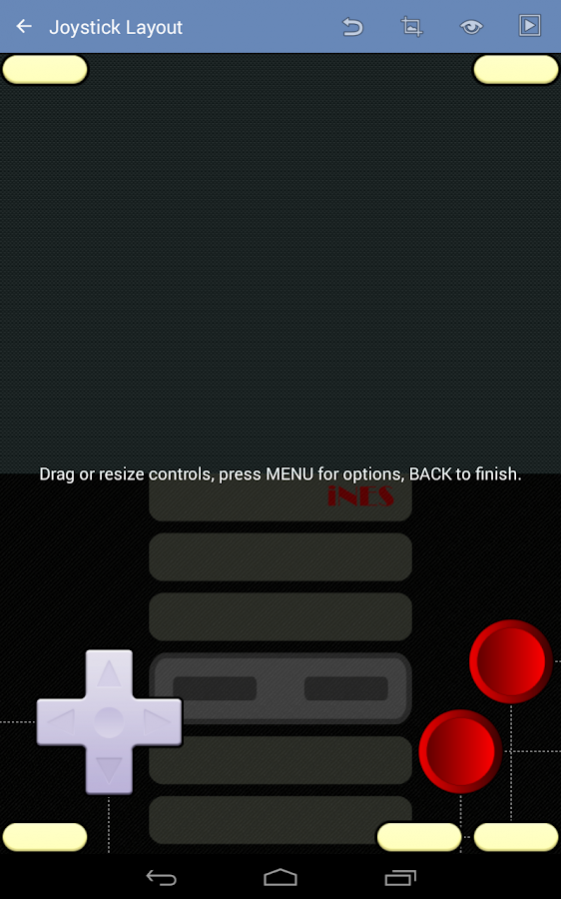
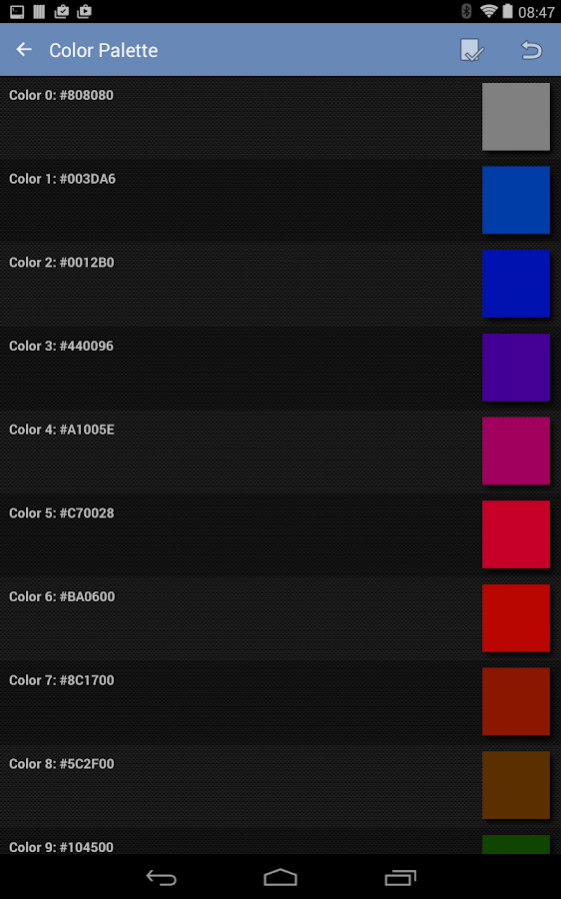
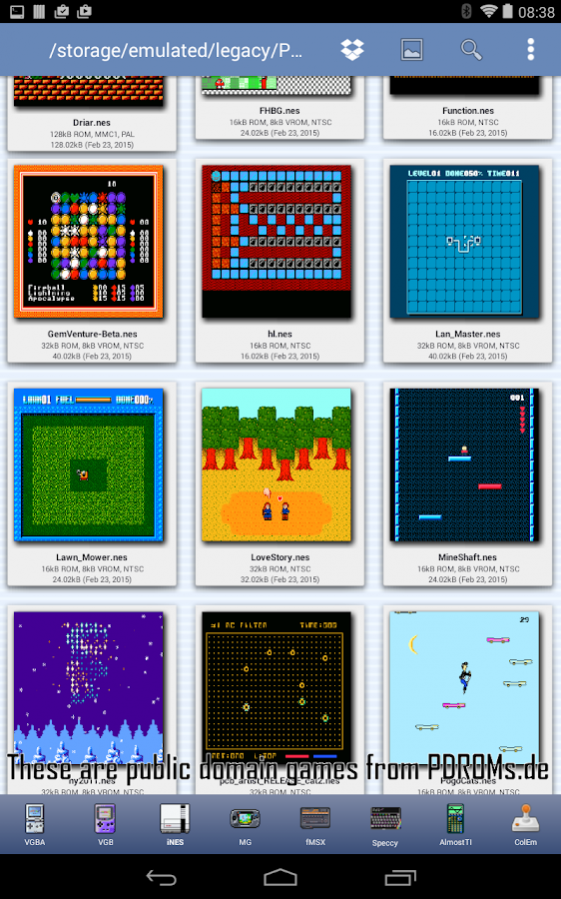
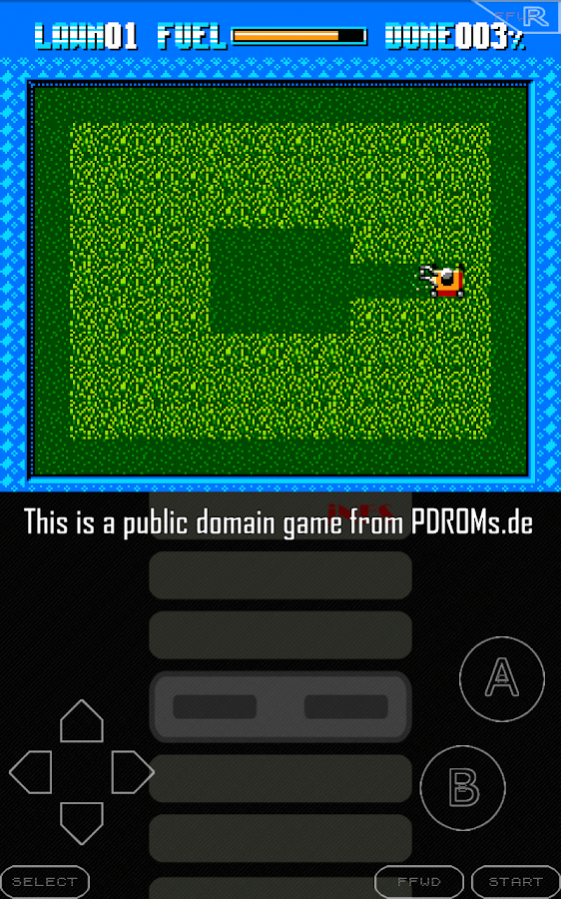
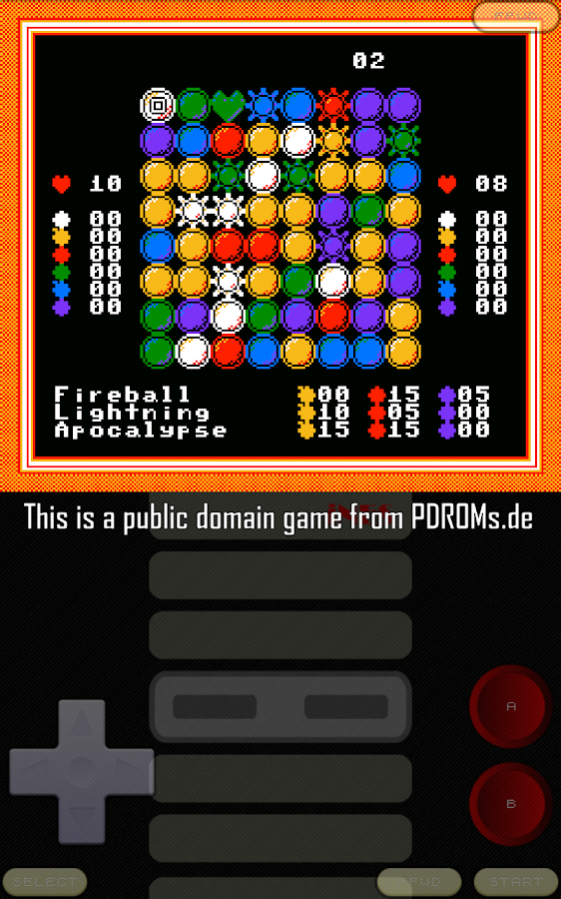
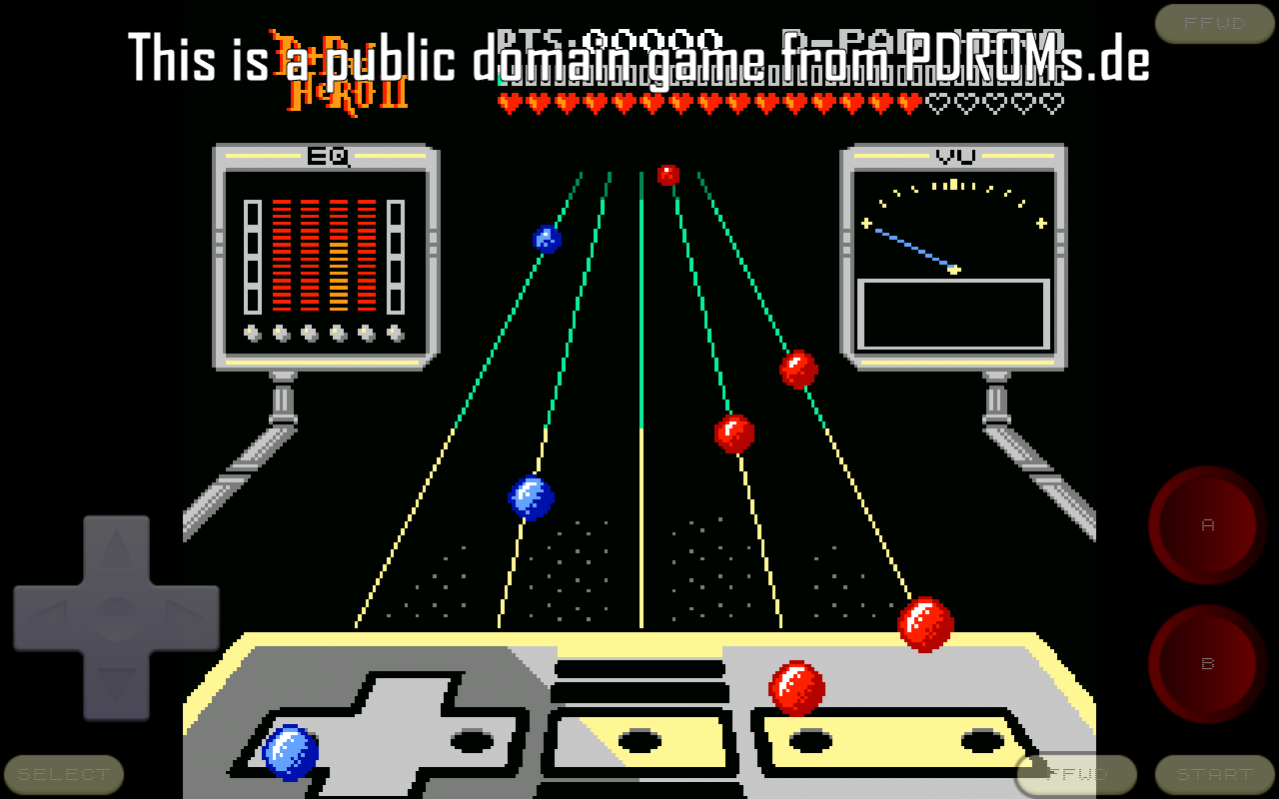
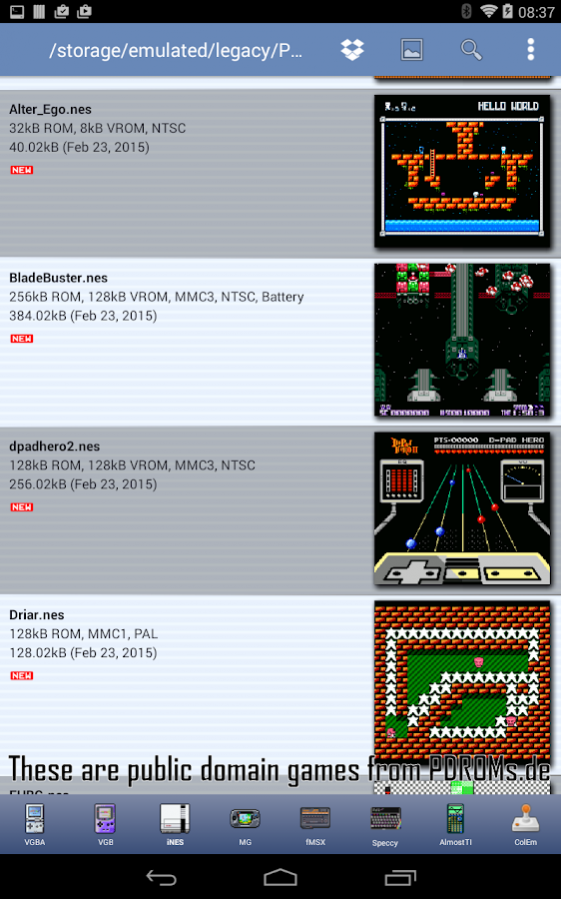
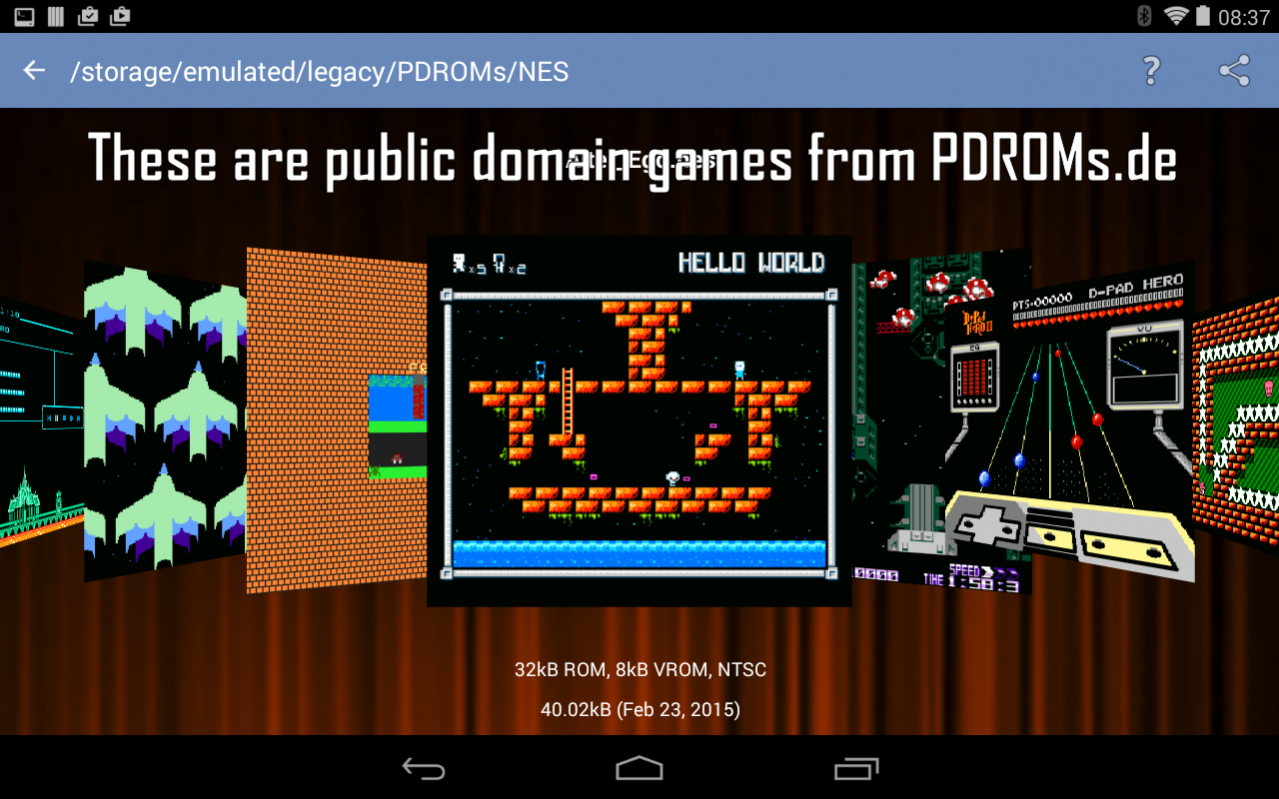
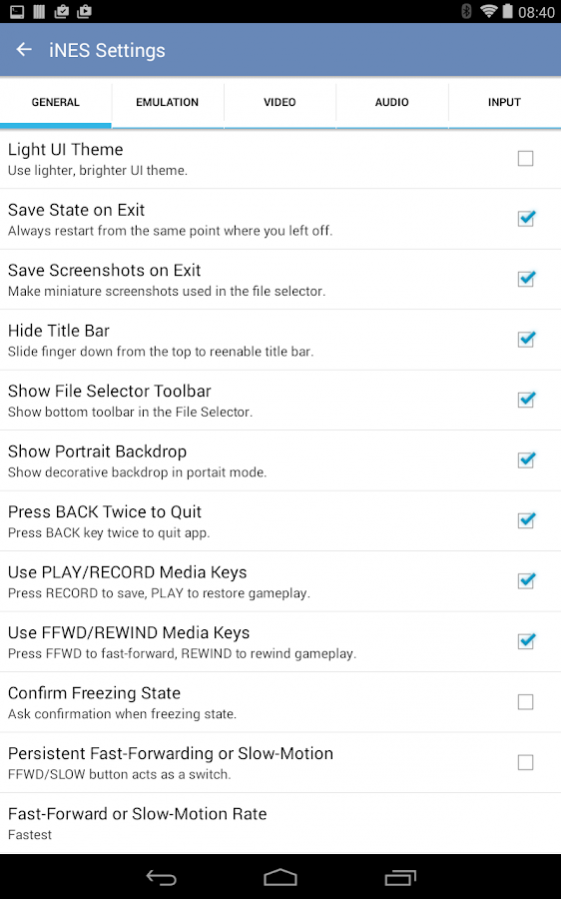
iNES emulates classic Nintendo Entertainment System (NES) and Famicom video games. It runs NES, Famicom, DiskSystem, and VS System games on your Android phone or tablet. Save your Nintendo game at any point, share your game progress with friends, then let them continue where you have left off, or play with them over the Net. With the built-in Cheatopedia, you can cheat at dozens of Nintendo games by adding health points, increasing levels, or even becoming invincible. iNES supports Xperia gaming buttons, generic gamepads (like Nyko Playpad), MOGA gamepads, iCade joysticks, and Sixaxis controllers. More features:
* Specifically optimized for Android devices, using assembly language and hardware acceleration to run NES games as fast as possible.
* Supports full screen landscape and portrait modes, with many visual effect options.
* The built-in Cheatopedia offers cheat codes for dozens of popular NES games.
* Save gameplay at any point and go back to that point once your character gets killed.
* Share your current position in a game with other users via State Exchange feature.
* Play with other users over local network or Internet via NetPlay feature.
* Play with your hardware keyboard, gamepad, touch screen, or accelerometer.
* Xperia Play special buttons, Nyko, MOGA, iCade, and Sixaxis gamepads supported.
* Record soundtrack to MIDI files.
iNES package itself does not contain any games. You should place your own game files onto the SD card before running iNES.
Please, do not run any software you do not own with iNES. The author cannot and will not tell you where to find free NES games.
Please, report any encountered problems here:
http://groups.google.com/group/emul8
About iNES - NES Emulator
The company that develops iNES - NES Emulator is Garage Research Emulators. The latest version released by its developer is 5.2. This app was rated by 11 users of our site and has an average rating of 2.1.
To install iNES - NES Emulator on your Android device, just click the green Continue To App button above to start the installation process. The app is listed on our website since 2018-03-19 and was downloaded 1,102 times. We have already checked if the download link is safe, however for your own protection we recommend that you scan the downloaded app with your antivirus. Your antivirus may detect the iNES - NES Emulator as malware as malware if the download link to com.fms.ines is broken.
How to install iNES - NES Emulator on your Android device:
- Click on the Continue To App button on our website. This will redirect you to Google Play.
- Once the iNES - NES Emulator is shown in the Google Play listing of your Android device, you can start its download and installation. Tap on the Install button located below the search bar and to the right of the app icon.
- A pop-up window with the permissions required by iNES - NES Emulator will be shown. Click on Accept to continue the process.
- iNES - NES Emulator will be downloaded onto your device, displaying a progress. Once the download completes, the installation will start and you'll get a notification after the installation is finished.
Program Details
System requirements
Download information
Pricing
Version History
version 5.2
posted on 2018-03-19
* Released free iNES 5.2 for Windows and Linux.
* Made sure first player always gets stock gamepad on Nvidia ShieldTV.
* Either player can open menu or exit emulation now.
* Fixed Settings background on AndroidTV.
* Disabled DropBox on AndroidTV for now, since there is no browser.
version 5.1.3
posted on 2018-01-31
* Added remaining time display during replay.
* Fixed replay rollover mechanism.
* Added shadow underneath the time display.
* Settings activity now uses black/white UI setting.
* Switched Settings to Material Design on Lollipop+.
* Stopping replay when emulation reset or state loaded.
version 4.8.1
posted on 2017-01-04
* Fixed non-accelerated video crash when 4:3 option is enabled.,* Fixed DPCM sound channel (Journey To Silius, Castlevania 2, etc).,* Fixed sawtooth sound channel linear counter.,* Added "Video | Scale Video | Stretch to 4:3 Ratio" option.,* Added support for binary .PAL files used by other emulators.
version 3.7.26
posted on 2013-06-20
Several fixes and updates
